
Coravixa Support
Need help? Start here
Most questions are answered faster by following these steps in order:
- Read the detailed documentation.
- Watch the video tutorials.
- Ask the Theme Assistant in your WordPress admin (Coravixa > Theme Assistant).
- If you still need help, contact support (details below).
What to send to support
After you have tried the steps above, send these details with your question:
- Your website URL and your purchase invoice (or purchase code).
- Your wp-admin URL, username and password.
- For deeper problems only: your cPanel URL, username and password, and the database name.
- A short description of the problem, and a screenshot if possible.
Tip: create a separate temporary administrator account for support and delete it when the case is closed. Take a backup before you share access.
Replies usually arrive within 1 to 3 business days.
Contact support
What support covers
Included: help with using Coravixa, questions about its features and settings, and fixing bugs in the theme.
Not included:
- Installing the WordPress CMS.
- Installing the theme (the documentation and the video tutorials explain every step).
- Any customization of your site or of the theme.
If you need one of these, it can be done as paid work. Ask support for a quote.
Renewing support after 6 months
Item support is included for 6 months from the purchase date. You can add 6 more months at any time, from the Envato account you used to buy Coravixa:
- Log in to your Envato account.
- Hover over your username and select Downloads.
- Find Coravixa in your downloads list.
- Click Extend now if your support has not expired yet, or Renew support now if it has already expired.
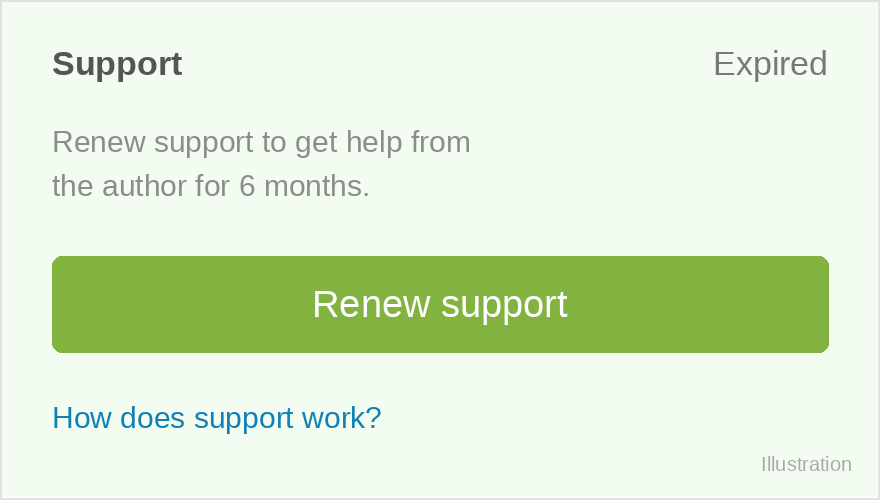
Envato charges a percentage of the item price: currently 62.5% for an extension before expiry and 87.5% for a renewal after expiry. You cannot extend while more than 6 months of support remain. See Envato’s help article “How do I extend or renew item support?” for the latest details.
When you contact support after renewing, attach a screenshot of your Downloads page showing the new support date, together with your purchase invoice.